
Everything around your stream
Before, during and after you go live. All free unless it says Pro.
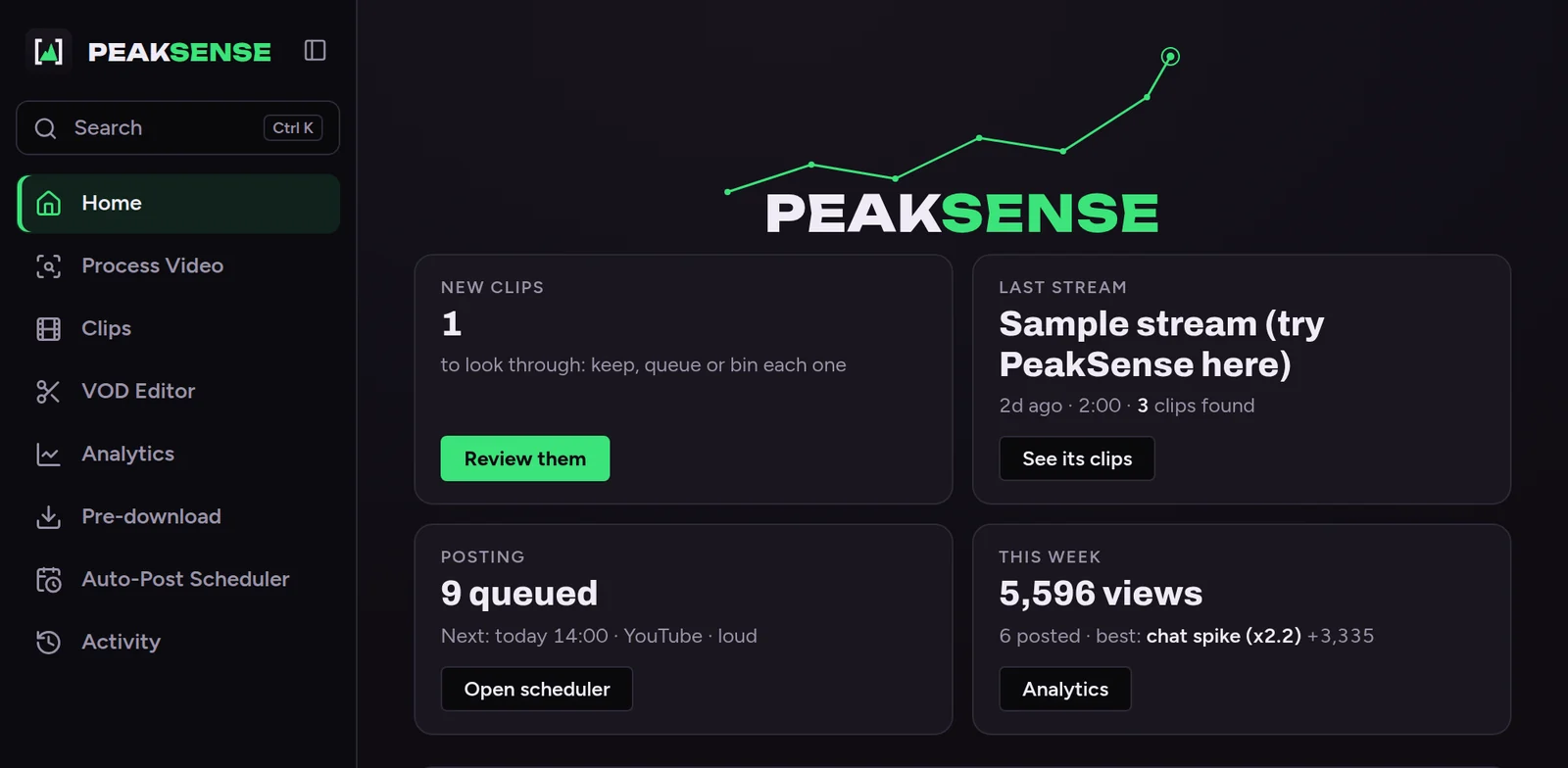
Look like a channel from day one
A logo, overlays and a go-live post in one sitting.
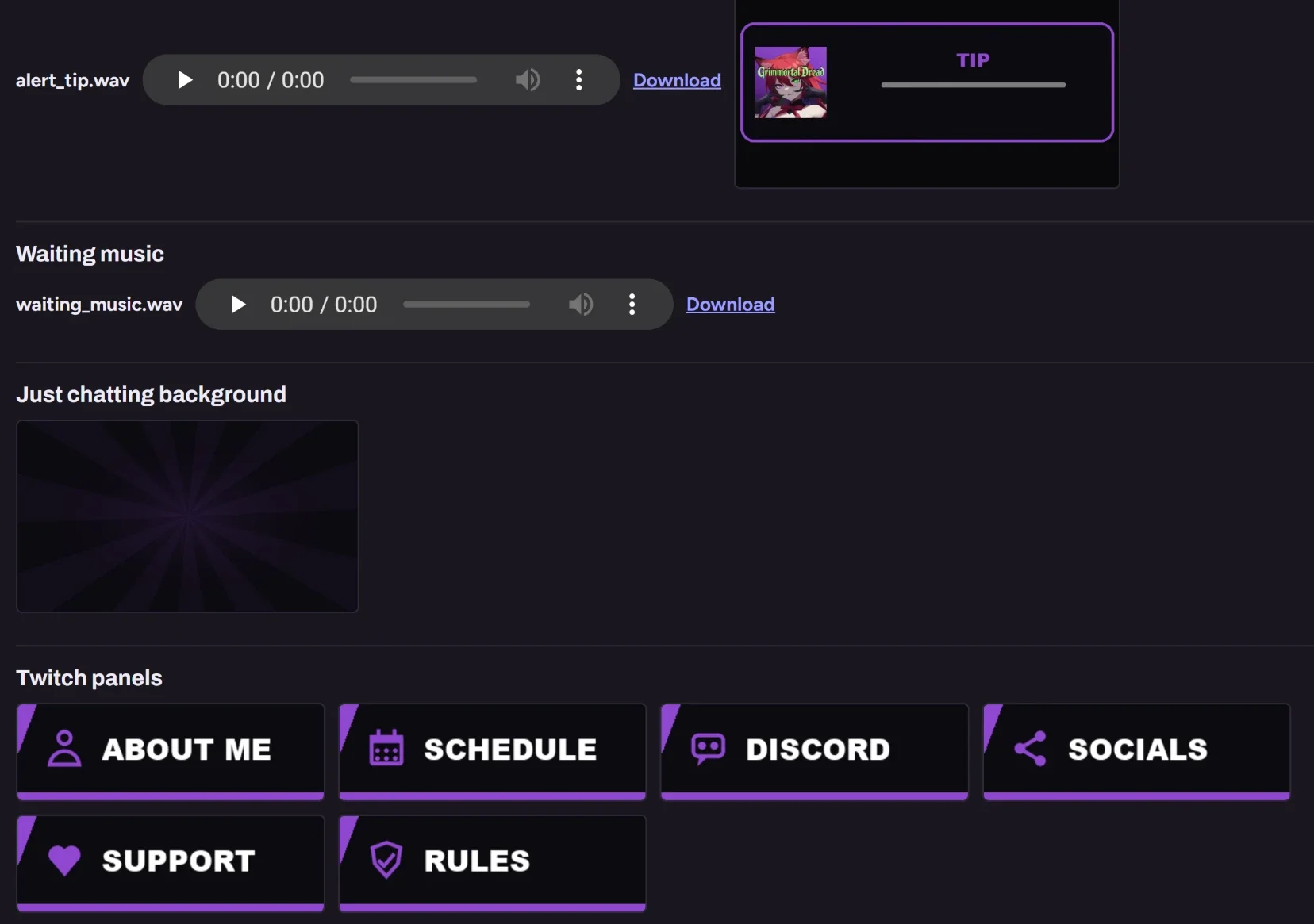
Overlays that drop into OBS
Starting soon, BRB and ending screens, panels and emotes in your colours, added to OBS in one click.
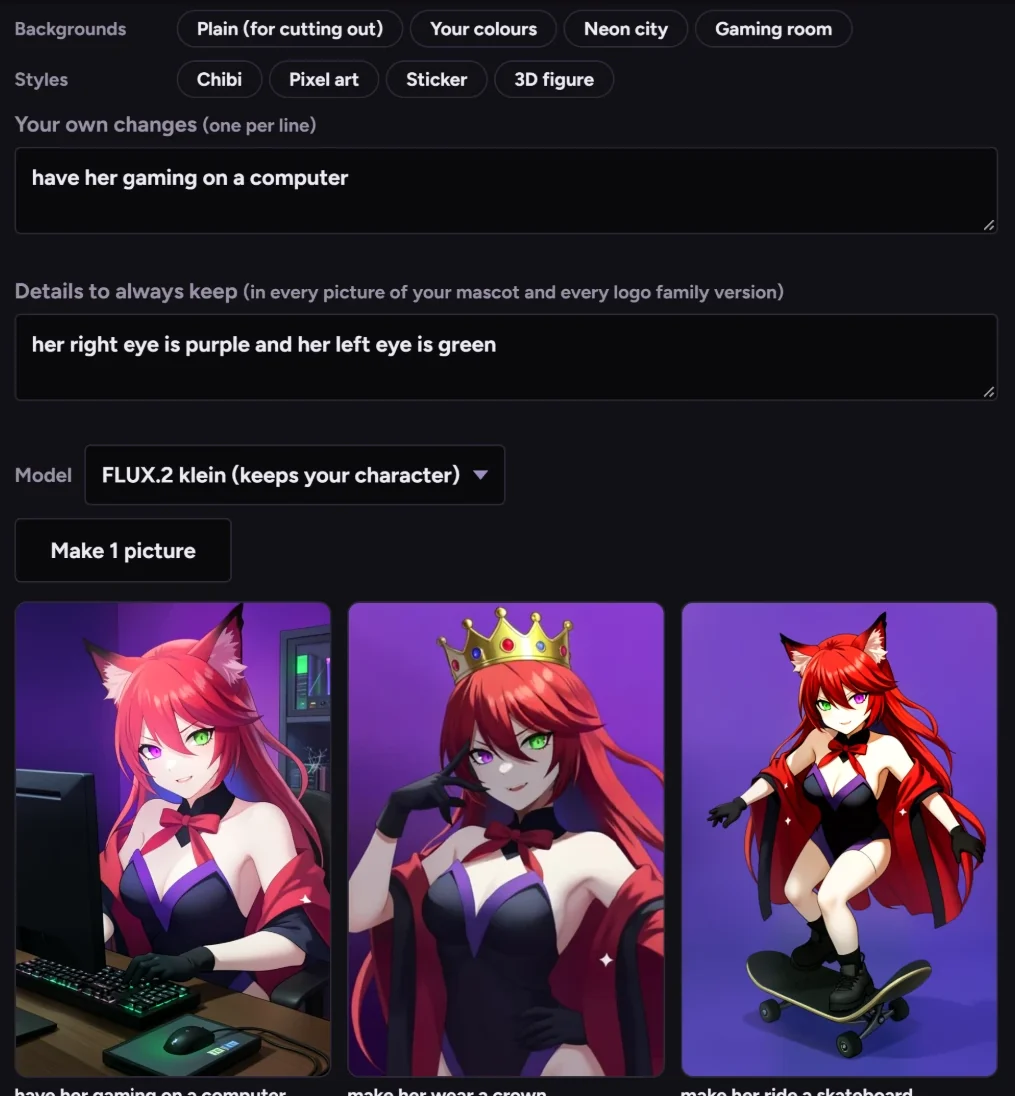
A mascot, made on your own GPU
Describe it or drop in a drawing; it stays the same character every time, drawn on your own GPU.
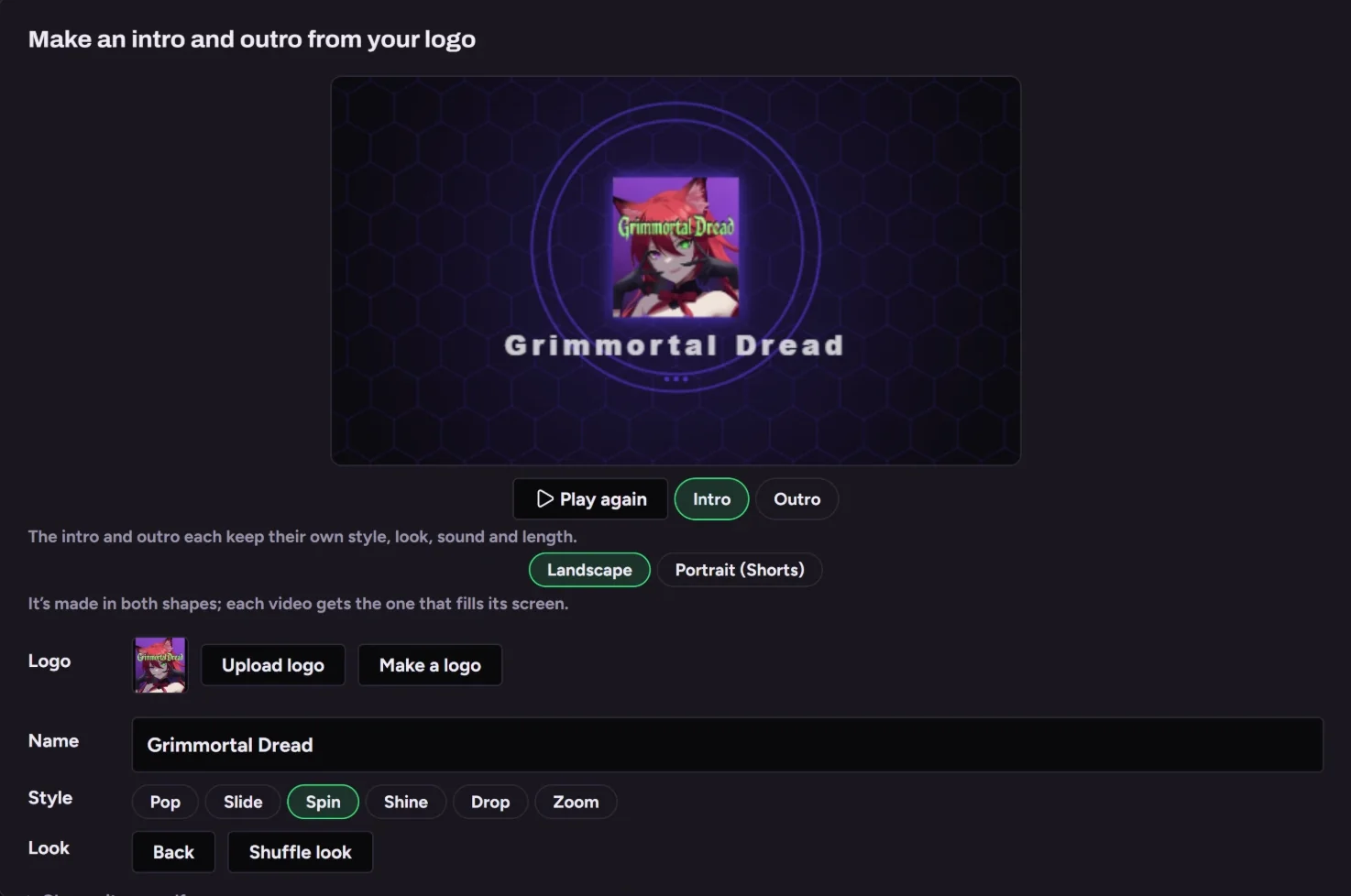
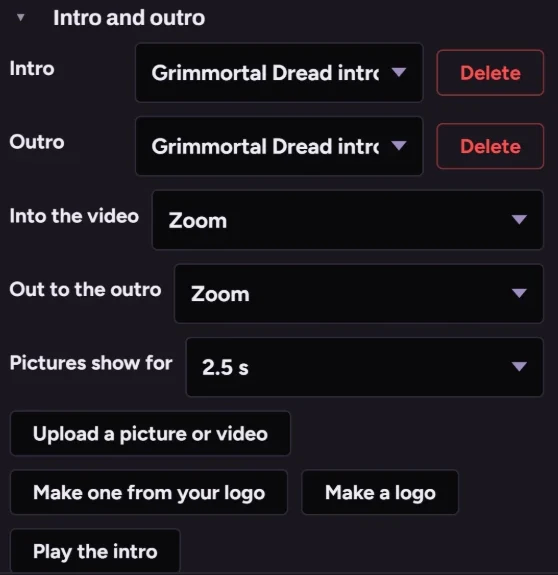
An intro and outro from your logo
Your logo animated with a sound, made wide for YouTube and tall for Shorts.
5 more things in this part
A live card the moment you start
Discord and your Instagram story hear about it at once.
Your own Discord bot
Your name and logo, live posts that update themselves.
A pre-stream check
OBS, mic and drive space checked in one click.
Sound family
Stingers and alerts from your intro's jingle.
Your look on everything made for you Pro
Scheduled clips carry your watermark and captions.
It's paying attention while you play
No scrubbing a four-hour VOD for ten good seconds.
Mark one yourself
A hotkey, a Stream Deck button, !clip in chat or your phone.
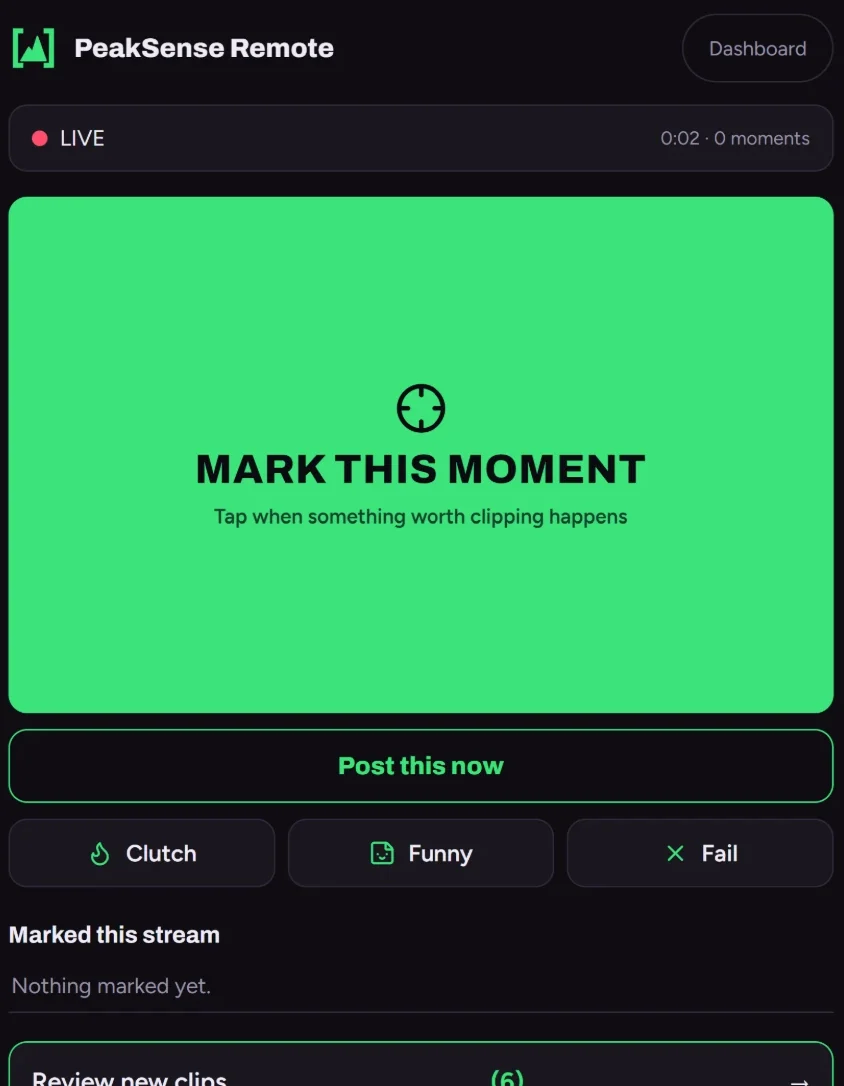
Or go through the stream yourself
Open the whole stream, search what you said, and clip anything it missed.

6 more things in this part
Post while you're still live Pro
A big moment can be a Short before you end.
Keyword search
Every time you said “clutch”, found.
Smart edges
Never cut off mid-sentence.
Local AI scoring
Optional, through Ollama on your PC.
Who's talking
Speakers labelled on co-streams.
Never the same moment twice Pro
Reprocessing skips what's already clipped.
An editor built for stream clips
What a big editor does for Shorts, without learning one.
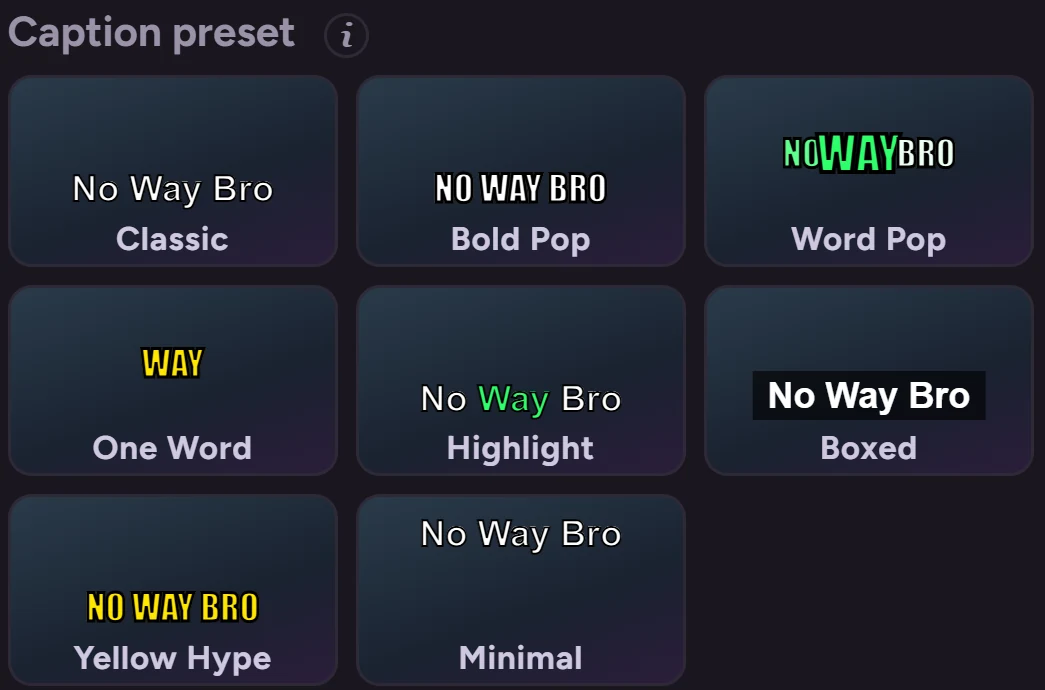
Captions people read
Word-by-word styles you preview on the clip, with any word fixable on the timeline.
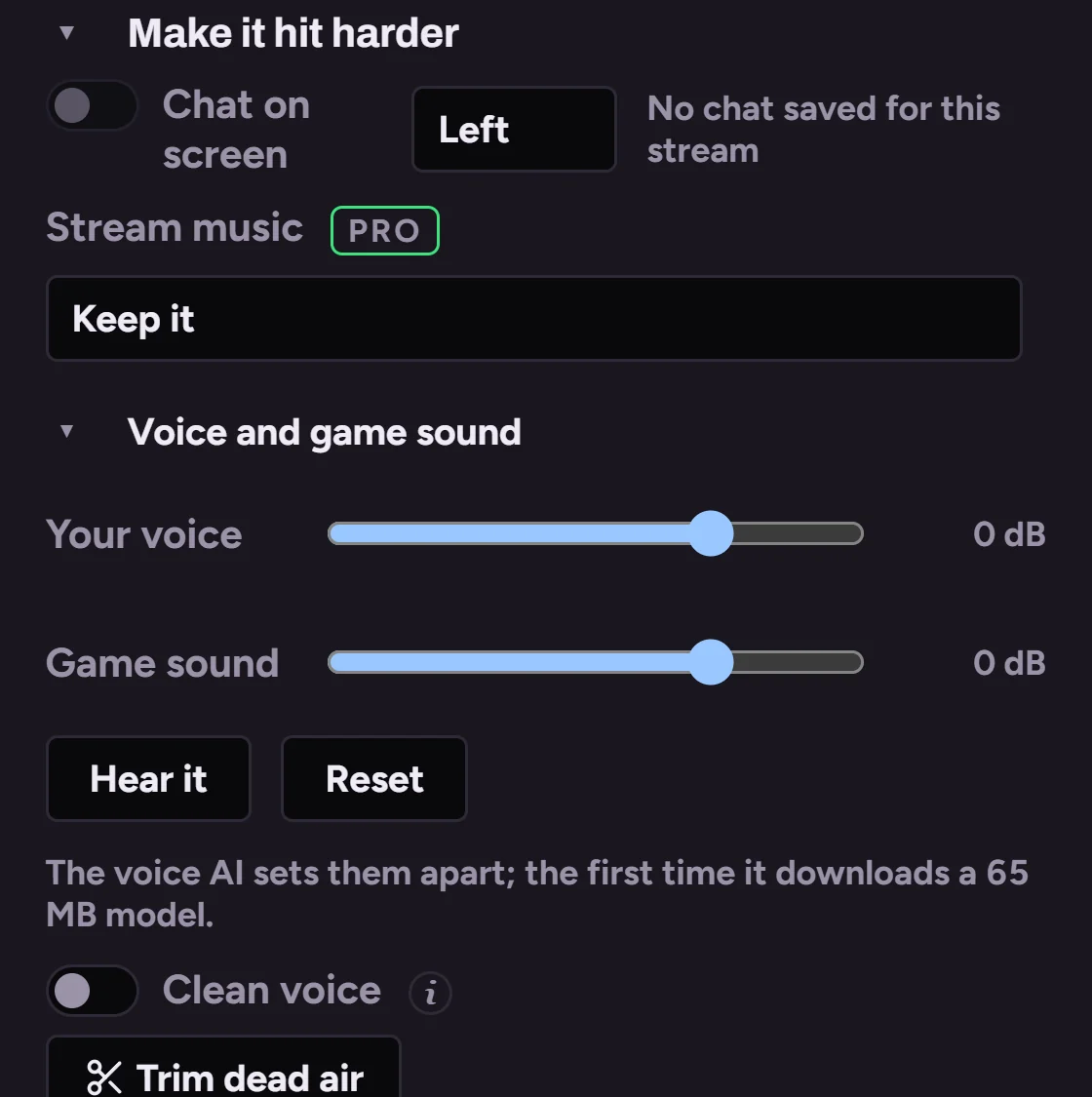
Sound you can actually mix
Your voice and the game turned up or down separately, even from one track.
6 more things in this part
Every change plays as you make it
No render to see what you did.
Trim, cut and speed
Skip the slow bits, slow the big play.
Text, filters and music
Titles, filters, fades and music.
Chat on screen
The real chat from that moment.
Undo for everything
No “are you sure?”, just undo.
Bulk tools Pro
Edit or queue many clips at once.
More than Shorts
The same night as a montage and a full recap.
Montages
Your best clips back to back; swap, add or move any of them and watch it play.

An intro, an outro and the joins between
Your intro and outro, with a transition at every join.
3 more things in this part
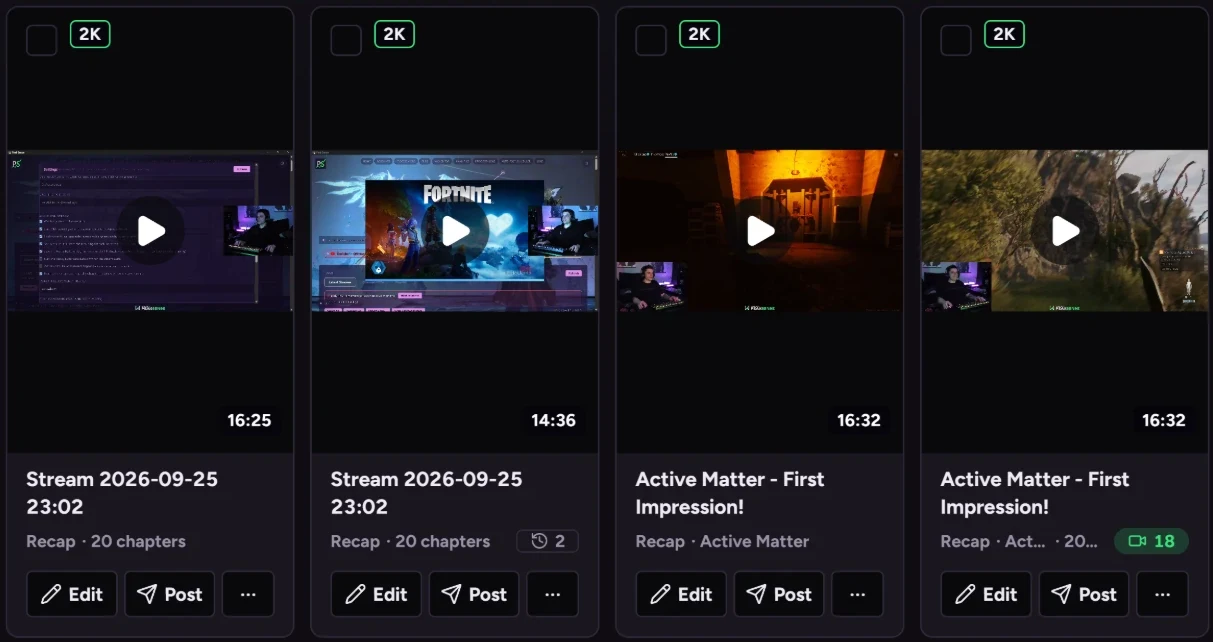
A recap of the whole stream Pro
The best stretches with YouTube chapters. See it.
Thumbnails
From the clip's best frames, in your template.
A multi-stream editor
Several streams in one video.
Getting it seen
Posted at the right time, with what to make next.
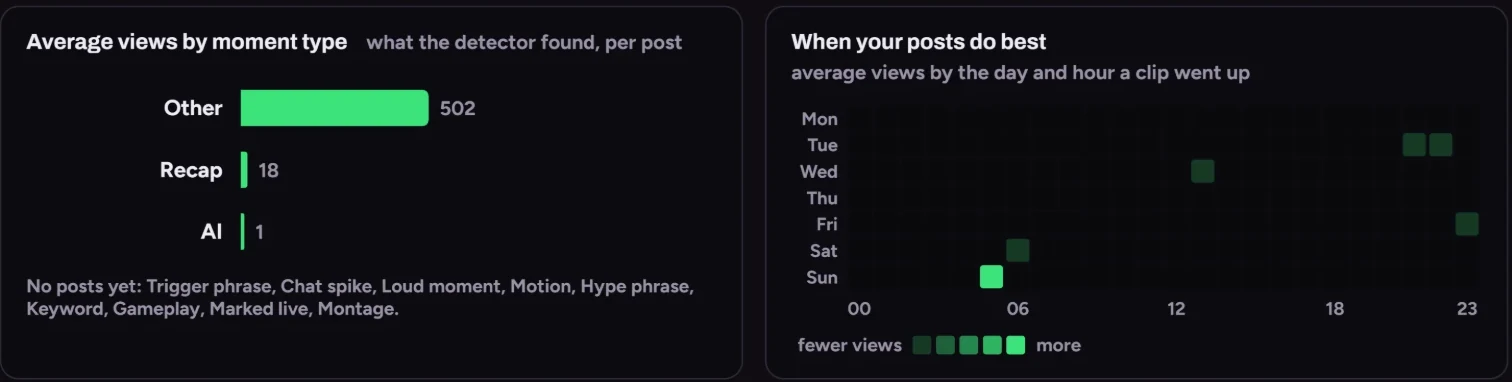
Know what's working
What gets watched, when your viewers show up, and what to post next.
7 more things in this part
A schedule that posts for you Pro
Posts at the hours your viewers show up. See it.
YouTube
Shorts with titles filled in.
Instagram and Facebook
Reels to your account and Page.
TikTok
Straight from the editor.
A morning report Pro
Last night's clips and views, daily.
Editor and mod logins Pro
Let a trusted mod edit from their PC.
A media kit
Your numbers on one page for sponsors.
It all stays with you
No credits, no uploads, no monthly bill.
Your PC, your files
Everything runs on your computer; it only goes online to post to your accounts.
3 more things in this part
Works on NVIDIA and AMD
Fast on a GPU, fine without one.
Never a half-saved file
Renders are saved whole or not at all.
Back up and move
Move everything to a new PC at once.