Before you go live
Your logo, overlays and emotes, straight into OBS. A live card goes to Discord when you start.
Your brand
Overlays before. Moments marked during. Clips, montages, recaps and posts after. All on your own PC.
Windows 10 and 11 · Works with OBS · Twitch, YouTube and Kick · Free, with a one-time $69 Pro
NO WAY HE HIT THAT
CHAT LOST IT
I'M NEVER SAYING THAT AGAIN
Most tools start once the VOD exists. PeakSense starts sooner and finishes later.
Your logo, overlays and emotes, straight into OBS. A live card goes to Discord when you start.
Your brandIt records through OBS and marks moments as they happen, or mark one yourself from a hotkey, chat or your phone.
Finding the momentsCaptioned clips, montages and a chaptered recap, posted when your viewers are around.
Posting and growingNo exporting between tools, no monthly bill.
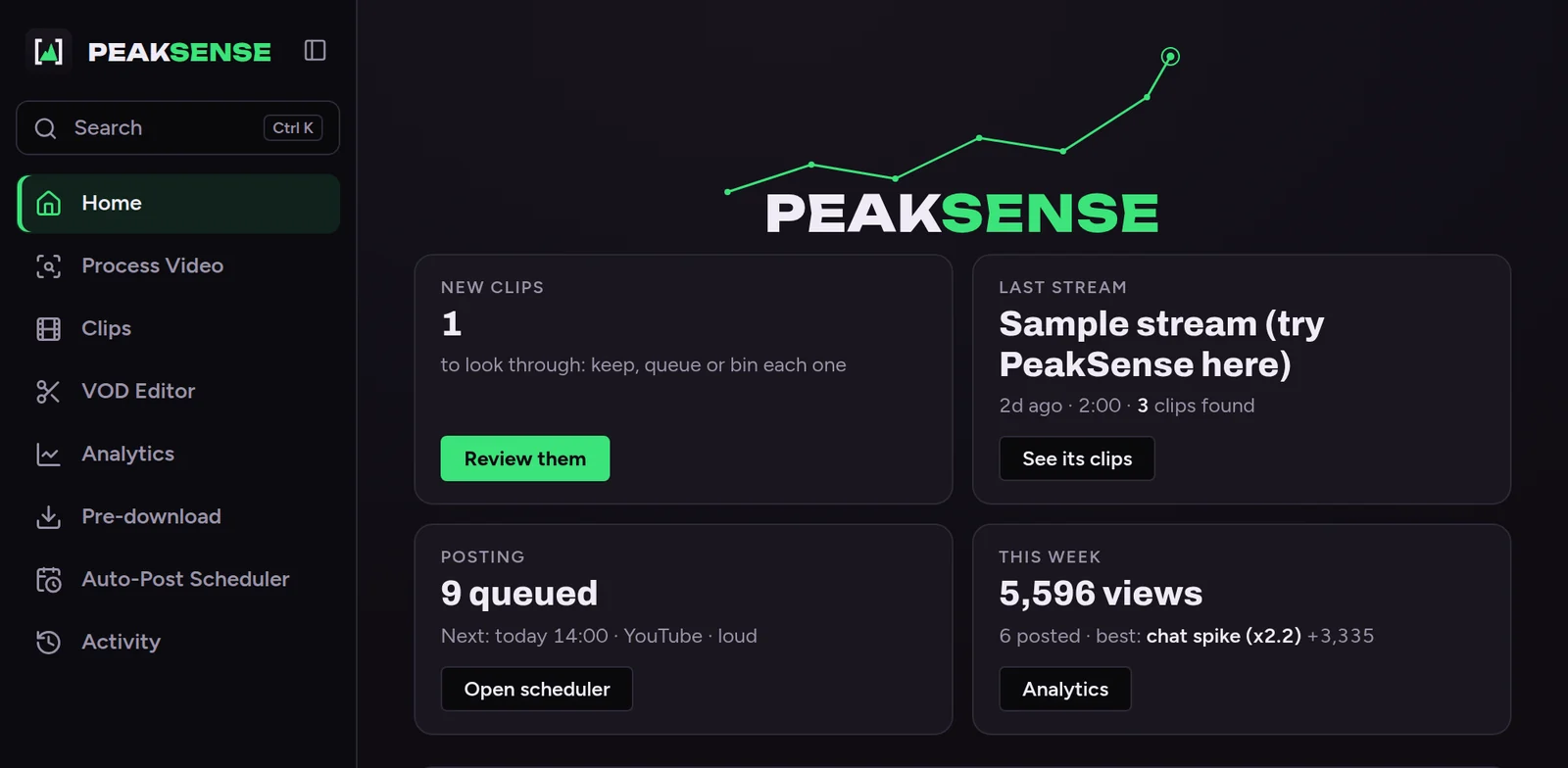
A four-hour stream is a week of posts. PeakSense does the cutting.
New clips play one after another. One key keeps, queues or bins each one.
More on the editor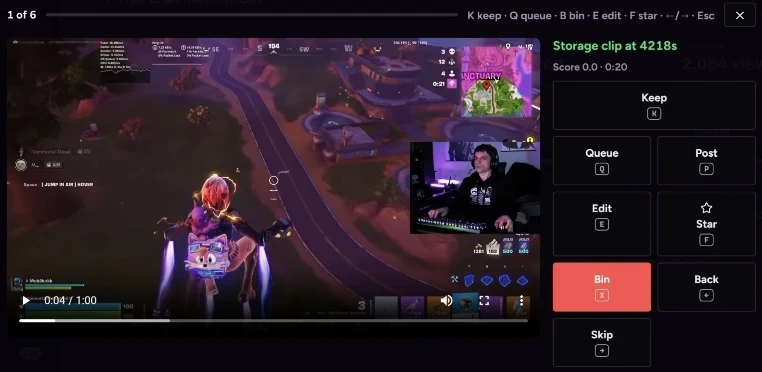
Chat spikes, big reactions, kills and wins get marked live. When you stop, it's already sorted.
More on finding moments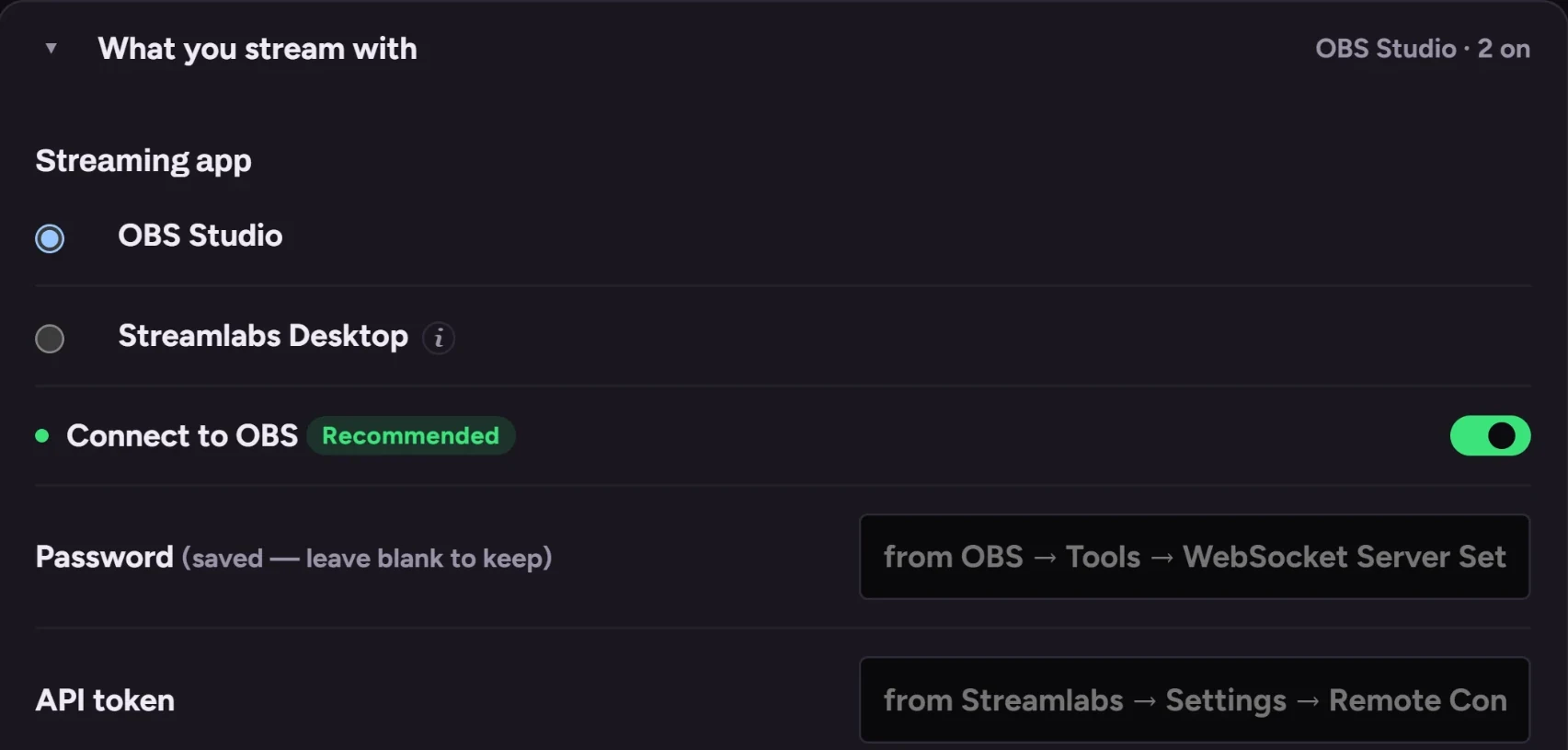
Facecam on top, gameplay below. Your webcam is found for you.
More on the editor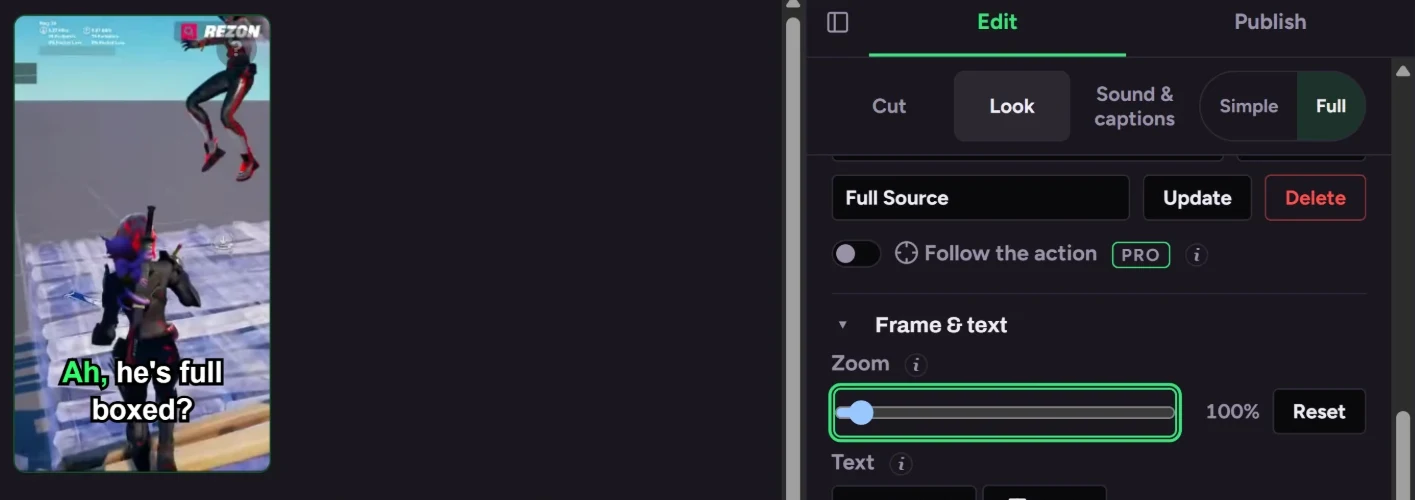
Pick a logo, colours and fonts once; overlays, intros and thumbnails all match.
More on your brand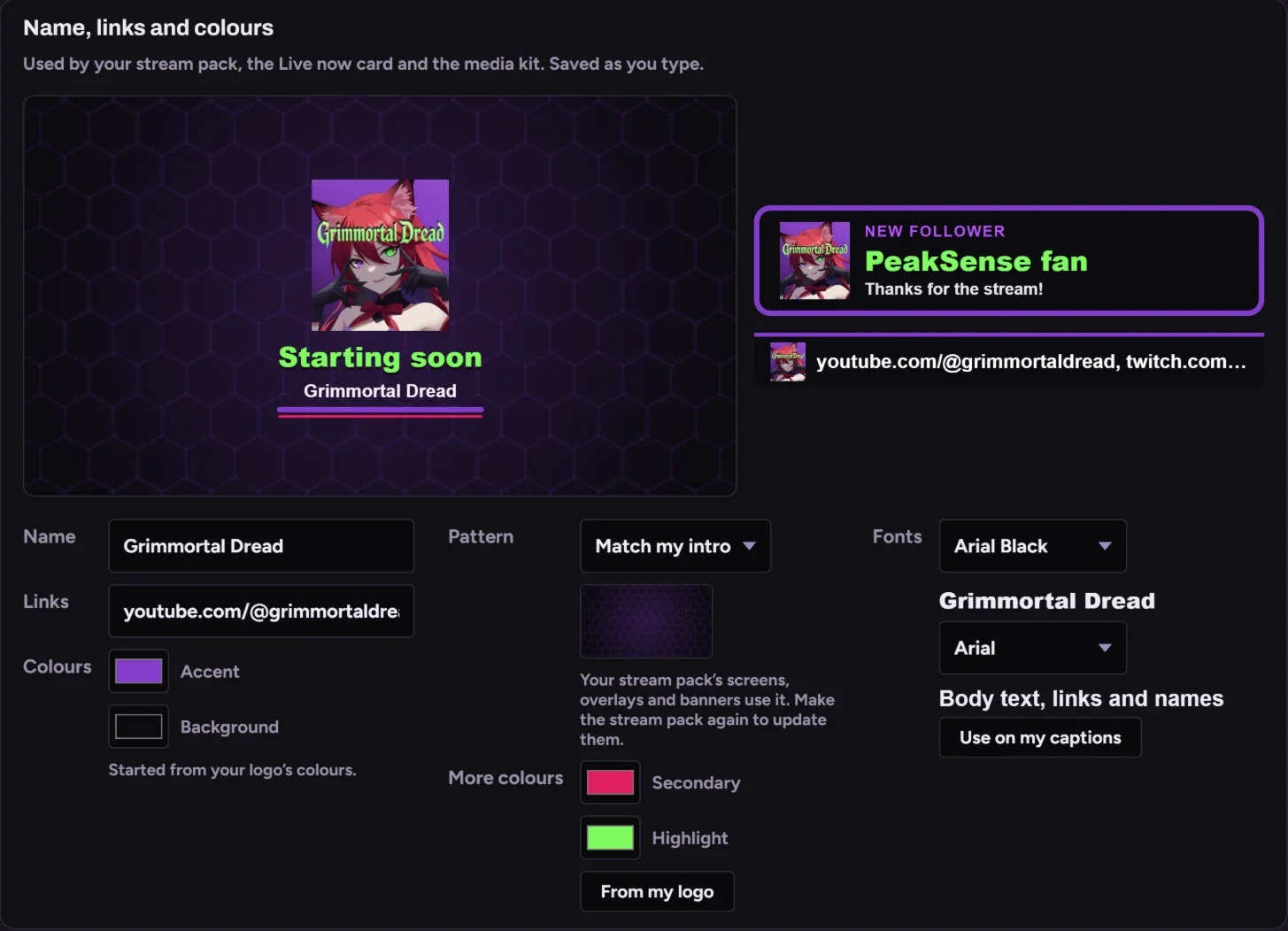
The quiet stretches stay out. The spikes, where chat, your voice or the game went off, become clips.
OBS checked, starting soon screen up.
Discord hears about it. Moments get marked.
Clips are cut and captioned while you wind down.
Pick the good ones over coffee; they post through the week.

I stream [game] a few nights a week and never had time to cut clips. The tools that do it upload your whole VOD and charge by the minute, so I built one that runs on my own PC.
GrimmortalDread · twitch.tv/grimmortaldread
Straight out of PeakSense, no other editor.
Leave your email and you'll get one message when it's out. No newsletter.
Your email is only used to tell you PeakSense has launched. See the privacy policy.